Waiting Area Consent (Important Information)
How to configure the Important Information consent for callers to your clinic
When a caller uses the clinic link to Start a Video Call and arrive in the clinic waiting area, part of the process is reading the Important Information for the clinic, before clicking Continue to agree. Clinic administrators configure this information for their clinic, providing the information they would like all callers to be presented with before their consultation. If not configured, the default text will show in the clinic.
Configure Healthdirect Waiting Area Consent
To configure the application Clinic administrators go to Apps in the left column of their clinic - only clinic admins have access to the Apps section.

Locate the Healthdirect Waiting Area Consent App and click on the Details cog.

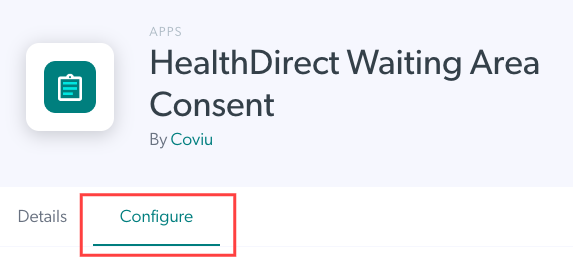
Select the Configure tab.
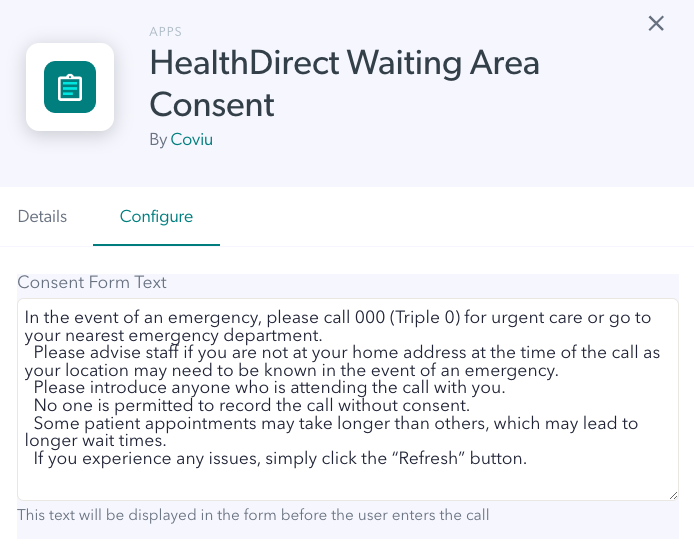
You will see the current text for the App. This image shows the default text for all clinics until it is updated. Add the desired text for your clinic. You can click on the bottom right corner of the text box and drag it out to make it larger, if required.
When the required text is added, scroll down and click Save to save your changes.

This text will now appear for all callers to the clinic, as part of their join flow to arrive in the waiting area.
